

If you would like to add a GIF to your entry, you must first be in the New Diary Entry or Edit Diary Entry screen.
When you are editing your entry, place your cursor where you want to add a GIF, and then click the GIPHY GIF search button in the editing toolbar:

When you click that button a Giphy Search screen will appear:
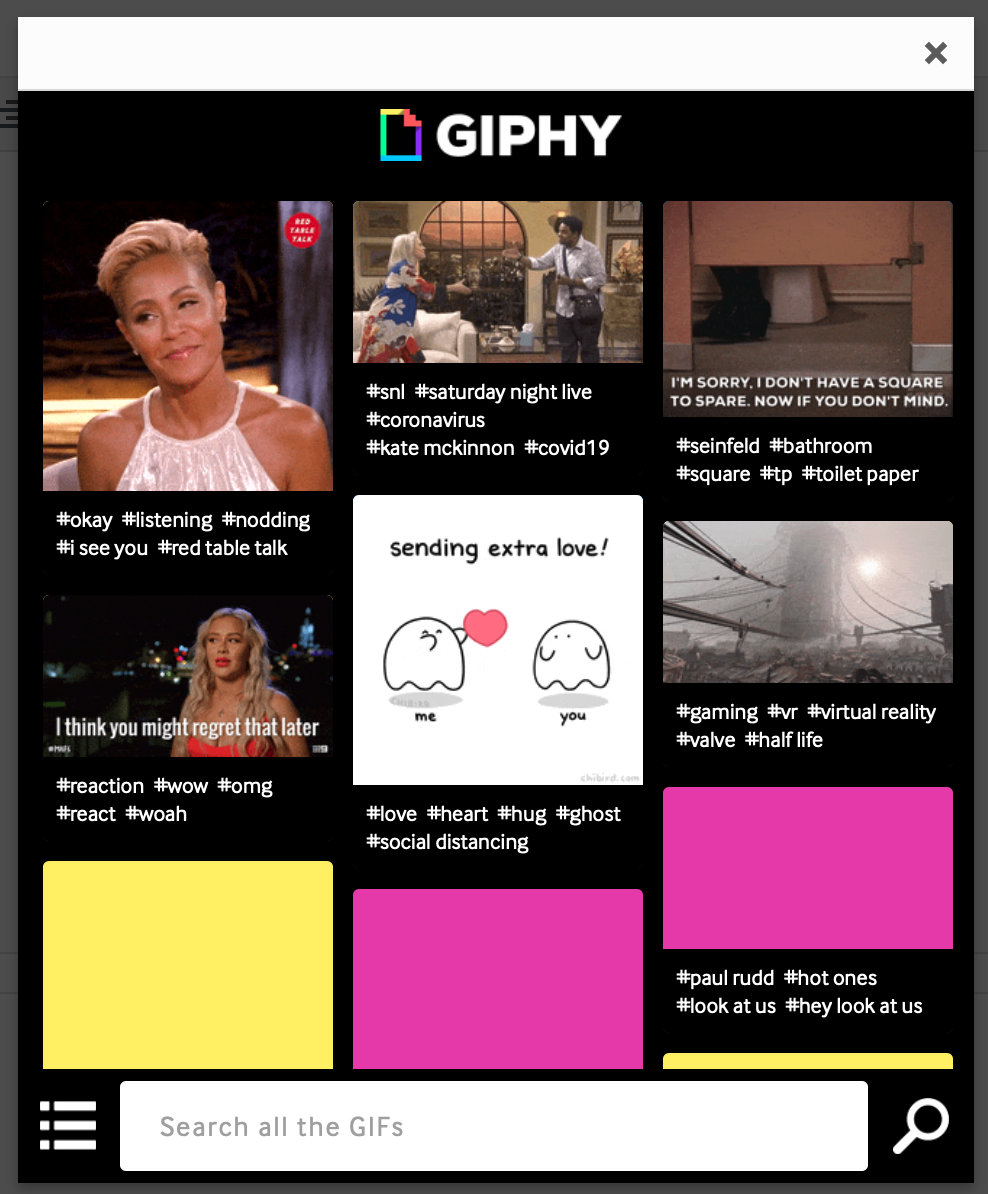
Giphy is an outside service that allows people to store and search GIF files.
If you would like to search for a particular kind of GIF, you can type words to search in the "Search all the GIFs" box at the bottom:
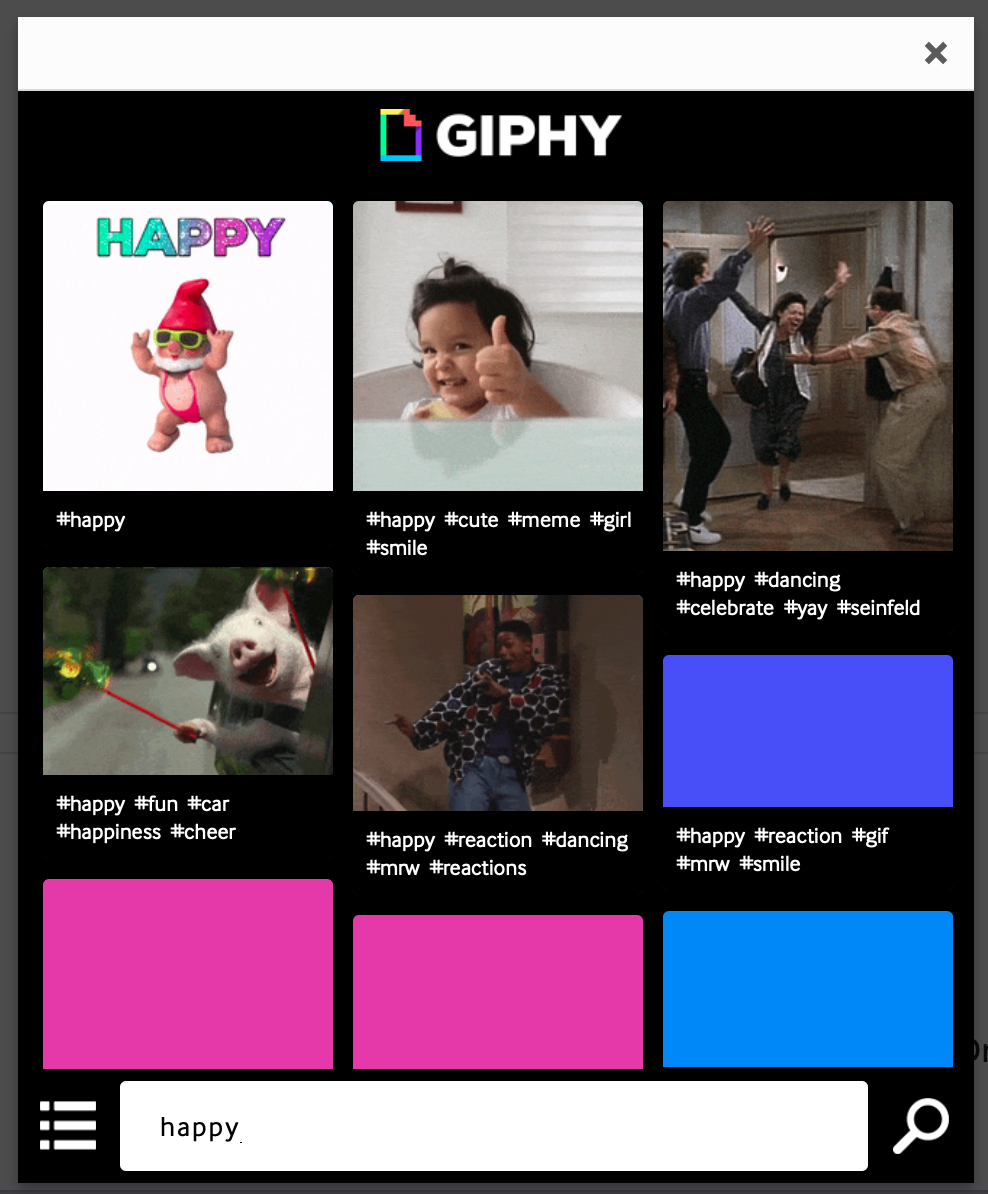
When you find the GIF that you want to add to your entry, click on that GIF in the search screen. This will give you a larger view of that GIF:
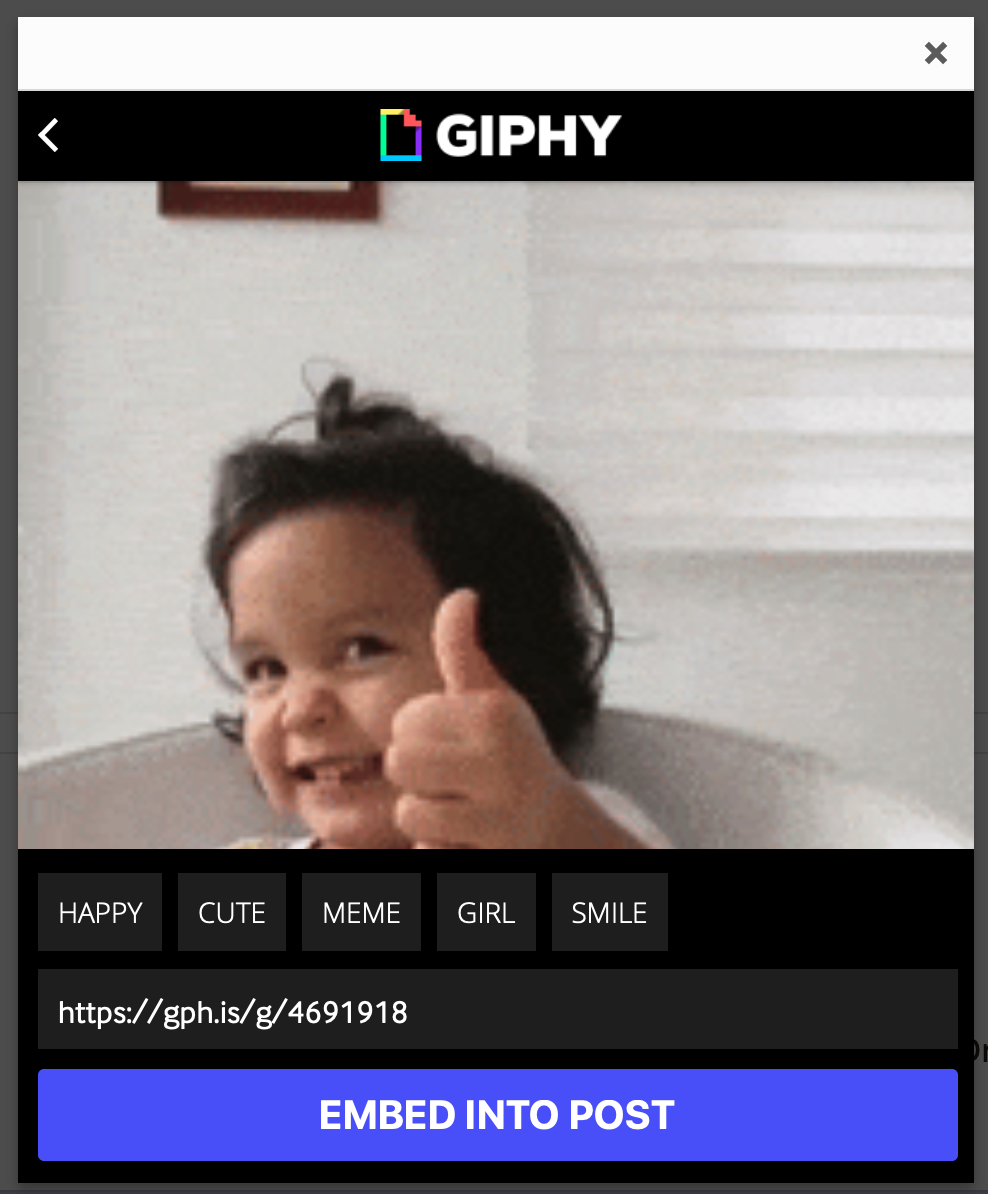
To add this GIF to your entry, click the EMBED INTO POST button. The GIF will be added to your entry, at the spot where your cursor is.
Comments
0 comments
Article is closed for comments.