

The key image for an entry is the image that appears on any card view of the entry, like on the front page of the site or on a circle page.
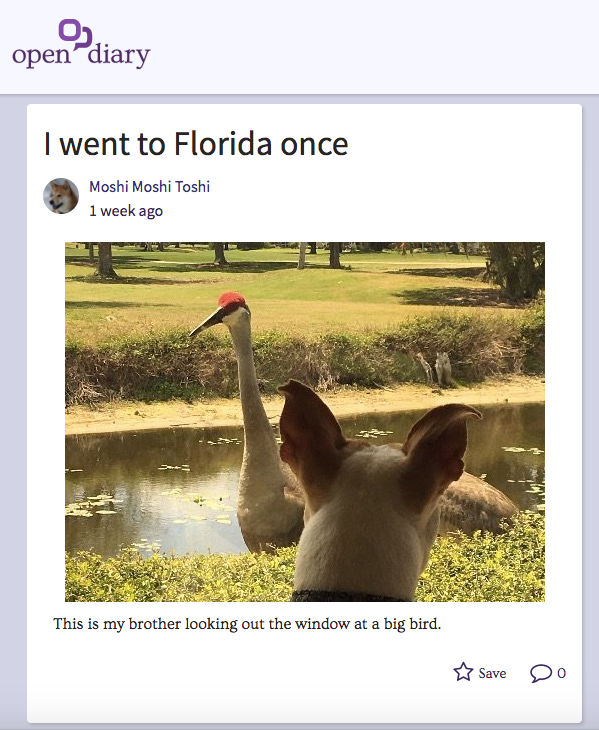
To remove the key image on your entry, you must first be editing the entry.
On the Entry Edit screen, at the top of the screen you will see the current key image:
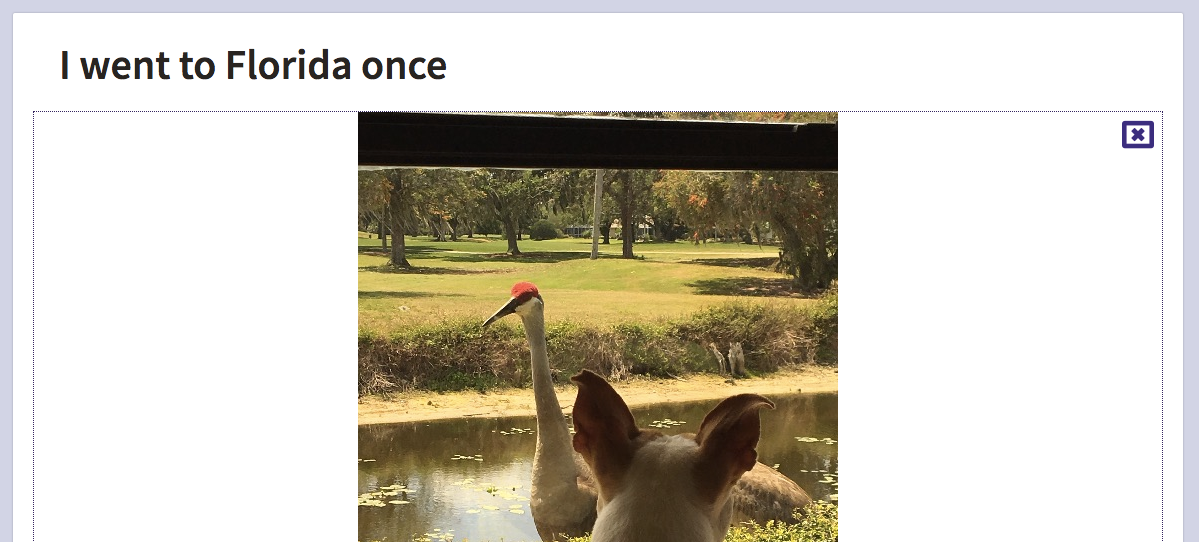
To remove the key image, click the "X" icon in the upper right of the image. Once the image is removed, you will see a blank image icon.
If you want, you can add another key image.
Comments
0 comments
Article is closed for comments.