

To edit an existing entry in your diary, you must be logged into your account.
Once you are logged into your account, go to the entry you want to edit by selecting it in your diary or from another link.
At the bottom of the entry on the left, you will see a set of links, Unpublish - Edit - Delete:
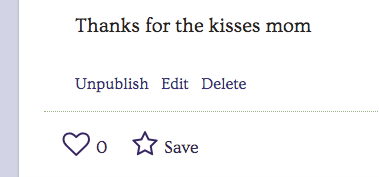
Click the "Edit" link and you will be taken to the Entry Editing screen.
On the edit screen, you can do the following for your entry:
- change the title or text
- add or change the key image
- add or change other images in the body
- change the privacy settings
- change the comments settings
- add or change the chapter
- add it to a circle
- add or change entry expiration
When you are finished editing your entry, click the Publish button to save your changes.
Comments
0 comments
Article is closed for comments.