

If you would like to add an emoji to your entry, you must first be in the New Diary Entry or Edit Diary Entry screen.
When you are editing your entry, place your cursor where you want an emoji, and then click the Emoji button in the editing toolbar:

When you click this button, the emoji selector will open:
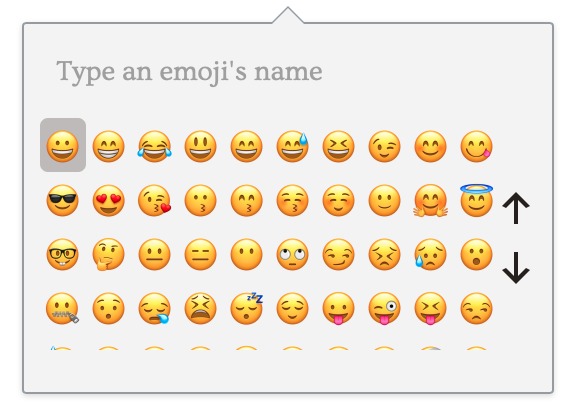
To select an emoji to insert, just click on the emoji you want.
You can scroll through available emoji using the up and down arrows on the right.
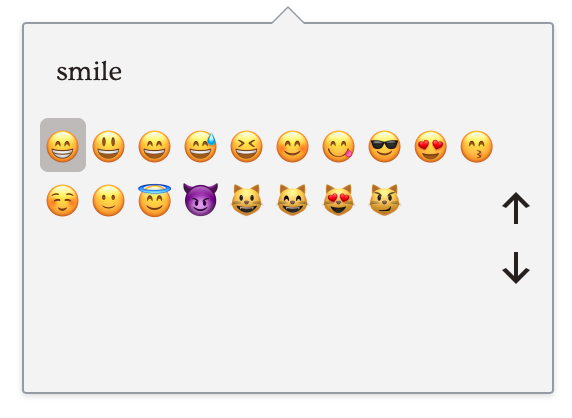
You can also search for emoji by typing in the space that says "Type an emoji's name". This will show all emoji that match what you type:
Please note: if you are on your mobile device, you can also insert emoji using the emoji keyboard on your device.
Comments
0 comments
Article is closed for comments.