

If you have an entry with a tag or tags that you want to remove, you must first be editing the entry.
When you are in the entry editing screen, you will see your tags down at the bottom left of the edity screen:
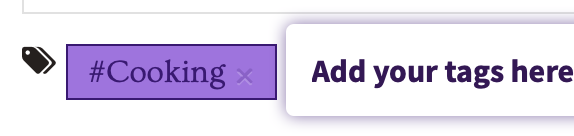
To remove the tag that you don't want, just click on the small "x" next to the tag text, and the tag will disappear. When you are done, be sure to click the Publish button to save your changes.
If you remove a tag by accident, you can always add it back.
Comments
0 comments
Article is closed for comments.