

Adding a tag or tags to your entry will make it easier for other members to find your entries, and also is another way to help you organize your entries.
When you are writing an entry, at the bottom left of the screen you will see a spot that says "Add your tags here":

To add a tag, follow these steps:
1. Click on the "Add your tags here" text. A typing space will open up there:

2. Type the text of the tag you want to add:
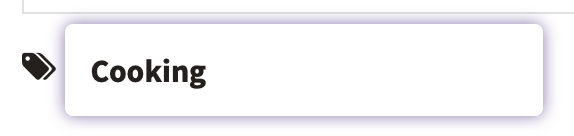
3. When you are done typing the text, be sure to press the Enter or Return key. When you press the Enter or Return key, the tag you typed will be accepted by the system. You can see this because a hashtag is added to the left of your tag text, and the tag shows in a box:

You can continue to add more tags to your entry by typing additional tags, just be sure to press Enter or Return after each one to make sure they save.
If you make a mistake with a tag, you can remove the tag by clicking the small "x" to the right of the text in your tag.
Comments
0 comments
Article is closed for comments.