

In addition to the key image, which appears on the entry card view, you can also add images in the body of your entry.
When you are typing the text of your entry, you can insert an image at any point. Place your cursor where you want the image to be inserted, and then click the Add Media button at the top of the editing screen:
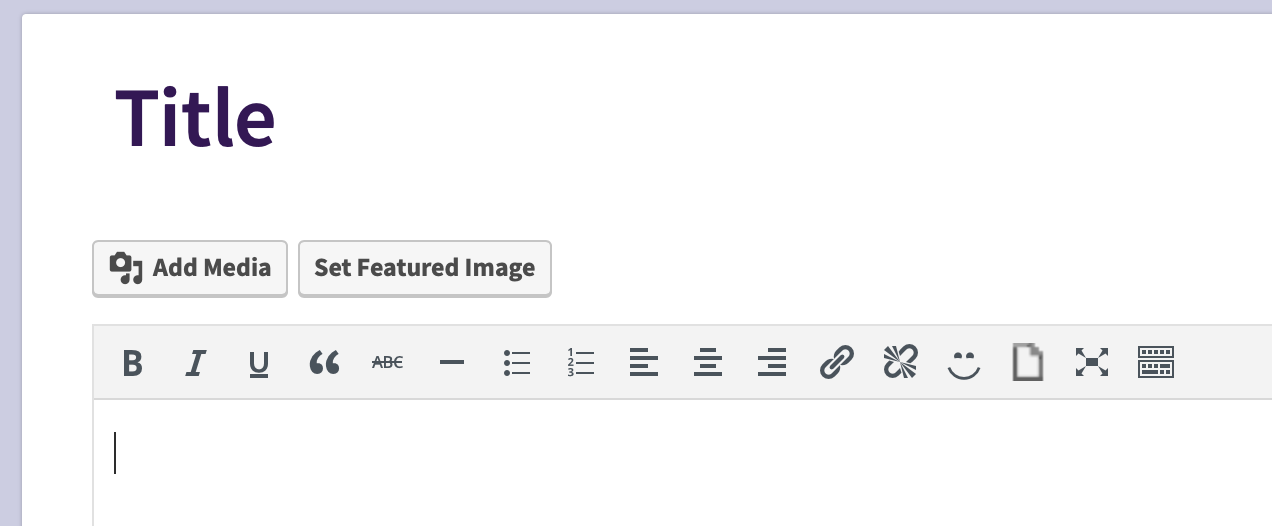
When you click the Add Media button, you will see a screen with two tabs, Upload Files and Media Library:
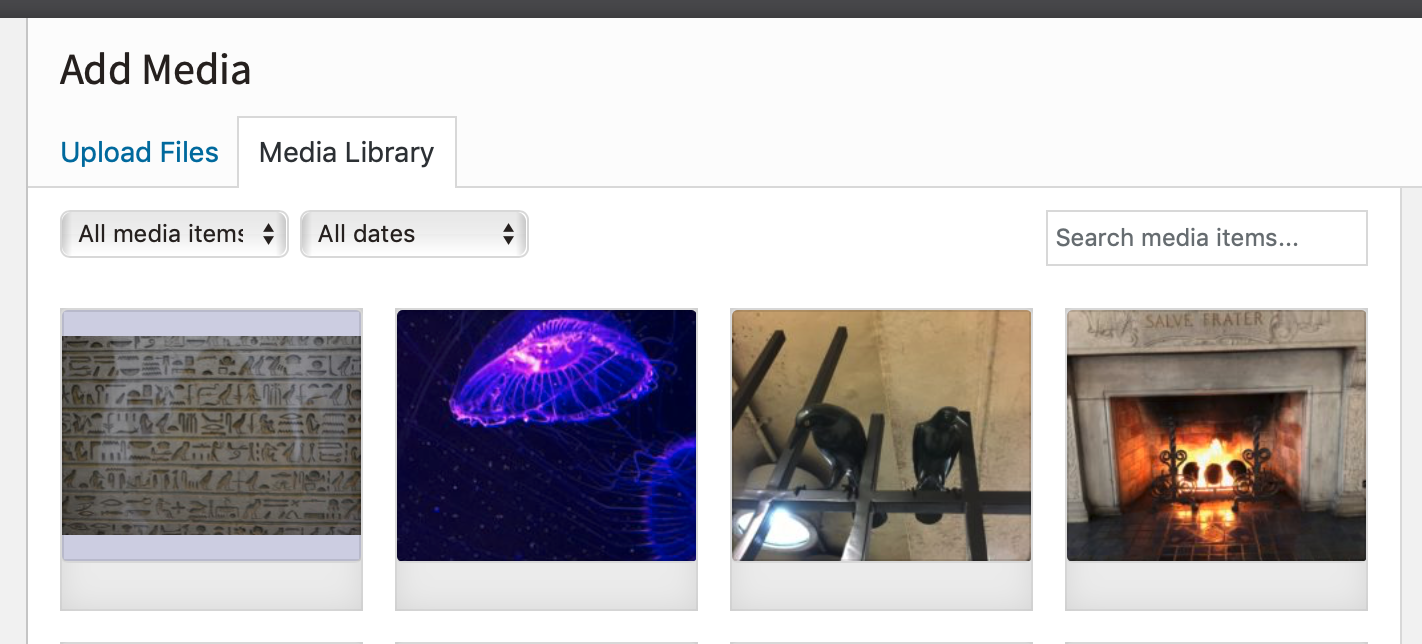
The Media Library tab shows you all of the pictures you have previously uploaded for any of your entries. If you want to re-use one of those pictures, just select the picture by clicking on it.
If you want to upload a new picture to your diary, click on the Upload Files tab. Doing this will show you a Select Files button - clicking this button will allow you to pick a file off your computer or mobile device to upload.
There is currently no limit on how many pictures you can upload to your diary. The upload currently supports .jpg files only.
Comments
0 comments
Article is closed for comments.