

Chapters are collections of entries in your own diary that let you organize your entries into groups by subject, time, or whatever you like.
To change the chapter your entry is in, you must first be editing the entry.
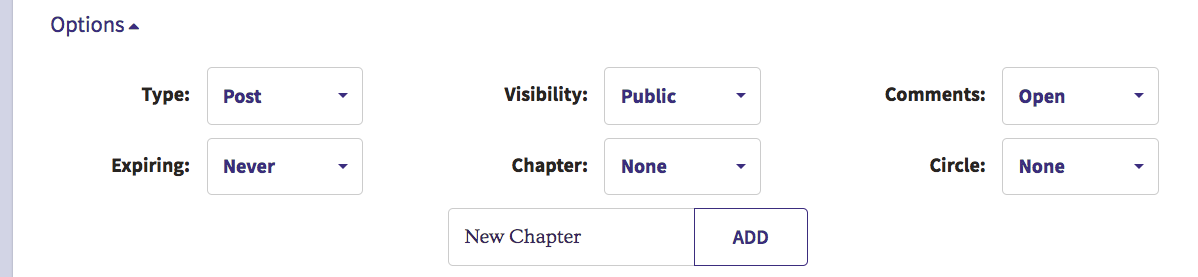
On the Entry Edit screen, go to the bottom and click the Options dropdown:

Once the options are expanded, click the Chapter dropdown. If you would like to create a new chapter, type the name of the chapter in the box that says "New Chapter" and click the Add button.
From the Chapter dropdown, you can select the name of the chapter you would like your entry to be saved in:
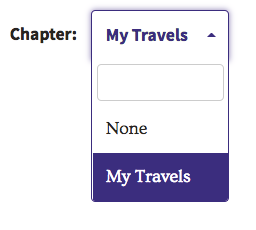
Note that the chapter for the entry will not be changed until you click the Publish button to save the entry.
Comments
0 comments
Article is closed for comments.