

The Expiration setting on your diary entry lets you set an expiration of none, one day, or one week. When an entry "expires" it is converted into a private entry - it still exists in your diary, but nobody else can see it while it is Private.
To change the entry expiration, you must first be editing the entry.
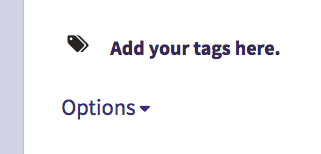
On the Entry Edit screen, go to the bottom and click the Options dropdown:
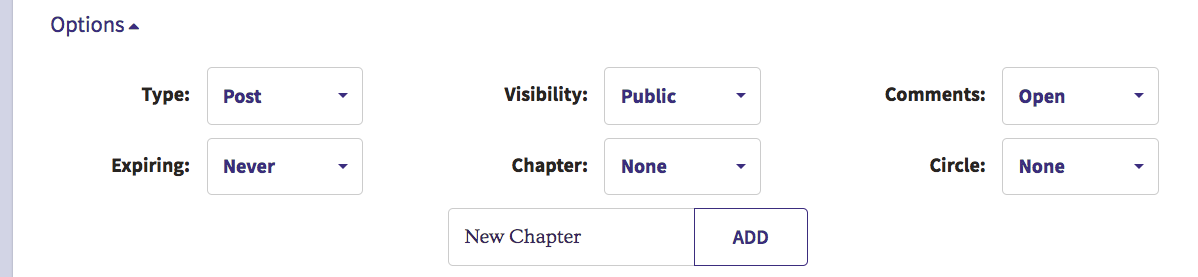
Once the options are expanded, click the Expiring dropdown:
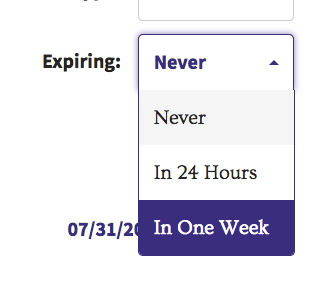
From the Expiring dropdown, you can select Never, In 24 Hours, or In One Week:
Note that the expiration for the entry will not be changed until you click the Publish button to save the entry.
Comments
0 comments
Article is closed for comments.