

When you first come to Open Diary, you will see a Log In or Sign Up link in the upper right of the screen:
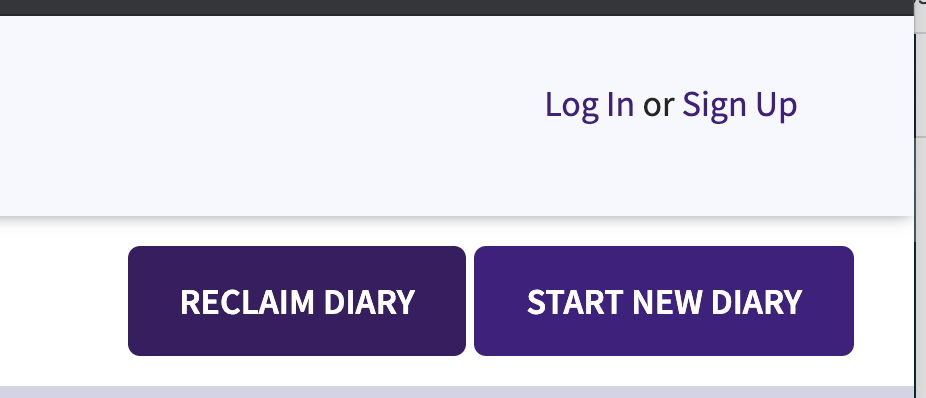
To start a new account with a new diary, click the "Sign Up" link. On the next screen, you will be asked for some basic information:
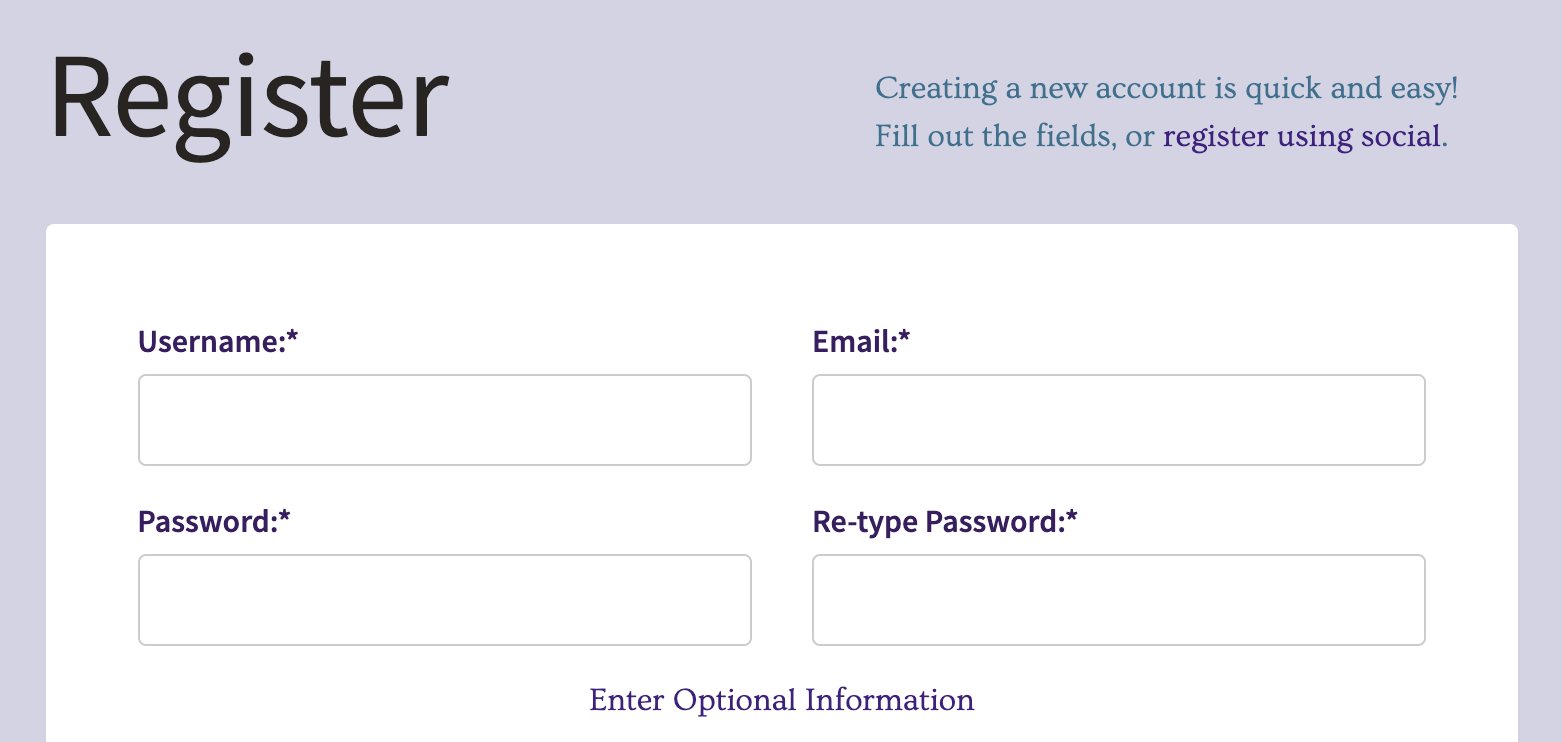
Username - pick a name that you want other members of Open Diary to know you by. This does not have to be your real name, and most Open Diary users do not post their real names.
Email - you must enter a valid email address that you own, in order to use Open Diary. You will use your email address later to log into the site.
Password - be sure to select a strong password, using a mixture of characters and numbers. The system will tell you how strong your password is, and will not let you register unless your password is at least Medium strength.
When you are done entering the signup information, click the "Sign Up For A New Account" button. You will see a message to check your email to activate your account.
Go to your email, and look for a message that looks like this:

When you open the email, there is a link you must click to confirm your email, and activate your account. Once you click that link, you will be taken back to Open Diary and you will see a message that your account has been activated successfully.
Once your account is activated, you can login to your account.
Comments
0 comments
Article is closed for comments.