

To change your password, first click on the gear icon in the upper right of any Open Diary screen:
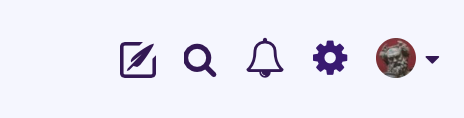
This will take you to the Profile screen, where there is a horizontal menu. Click on the dropdown for Settings:

On the Settings dropdown, click on “Password and Email”. This will take you to a screen that shows your current email address and may be prepopulated with your current password.

On this screen, you can enter your new password – be sure to use a strong password, and enter the same password in the Confirm box. Once you click the Save Changes button, your password will be updated.
Comments
0 comments
Article is closed for comments.