

If you decide to cancel your subscription to Open Diary, you can do so at anytime. Please note that once you cancel your subscription, you will still have access to read your own diary - but you will not be able to add new entries or leave notes for other members.
If you cancel your subscription, you can come back later at any time and re-start your subscription to be able to start using your diary again.
To start your subscription to Open Diary, first go to the Setting page by clicking the gear icon in the toolbar at the top right of any Open Diary page:

On the Settings page, you will see the following menu:

Click on Membership to go to the Membership page. The Membership page shows your current subscription status, what you are currently being billed for, and when that subscription expires:

To cancel your membership, click the "Cancel Subscription" button. After this, you will see a confirmation message:
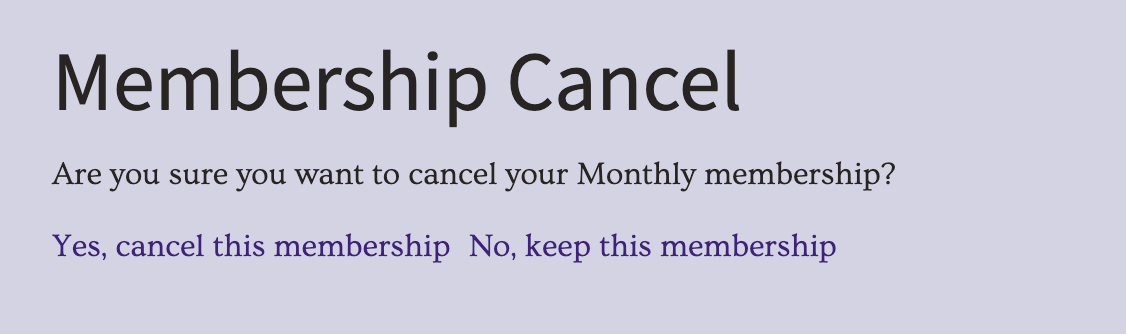
If you still wish to cancel the subscription, click the "Yes, cancel this membership" link. If you have changed your mind, click "No, keep this membership".
Once you cancel your subscription, your membership will revert to Free status - which means you can still access and read your own diary, but you can not post new entries or notes on other diaries.
If you decide in the future that you would like to subscribe again, you can always re-start your subscription.
Please note that cancelling your subscription does NOT delete your diary - your diary will remain in the system in case you decide to subscribe again in the future. If you want to delete your diary, please see Deleting your diary.
Comments
0 comments
Article is closed for comments.