

The Saved Entries list is a place for you to keep entries that you want to come back to and read later.
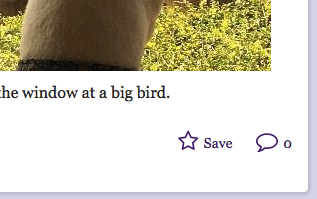
To add an entry to the Saved Entries list, look for the star-shaped Save icon either on the entry itself (towards the bottom on the left, or on an entry card on the front page, circle page, or other list.
Once an entry has been added to the Saved Entries list, you can find it by going to the site main menu and clicking on the link for Saved:
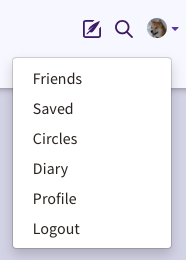
You will then see a list of your Saved entries that you can read.
Comments
0 comments
Article is closed for comments.